VIO
Using VIO, you can calculate 6DOF in real-time that matches the scale of the actual space. However, various factors can cause errors during the process of calculating 6DOF with VIO. To achieve high-accuracy 6DOF, it is recommended to follow some precautions when operating the device.
Recognizing Surrounding Space
Slowly looking around left and right to recognize the surrounding space can help achieve more accurate 6DOF. VIO calculates 6DOF by creating a map of the space based on camera and sensor information and then expanding it. If the map has not been created, the session initially calculates 6DOF using only sensor information, which may result in lower accuracy.
Images with Distinct Features
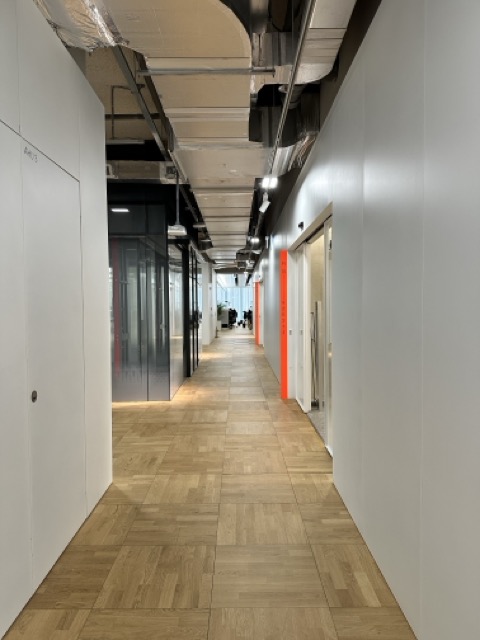
When the image viewed by the camera has many distinct features, more accurate 6DOF can be achieved. In the images below, continuously viewing an environment with few distinct features, as shown on the left, may lead to errors during the 6DOF estimation process. However, when the environment has clear and distinct features, as shown on the right, 6DOF can be estimated more stably.
| Image with Few Features | Image with Distinct Features |
|---|---|
 |  |
Constant Velocity Motion Environments
VIO calculates 6DOF by fusing data from multiple sensors. Among these sensors, the accelerometer detects the movement of the device. However, in cases of constant velocity motion, the movement of objects cannot be accurately calculated. In environments where the device is handheld and moved, issues caused by the accelerometer are generally not a concern.
In constant velocity motion environments such as elevators, escalators, and moving walkways, VIO may calculate abnormal 6DOF.
Removing Magnetic Accessories
Magnetic accessories can interfere with sensors, causing 6DOF to be calculated abnormally. While VIO itself may not have issues calculating 6DOF, large deviations in 6DOF values may occasionally occur, potentially impacting the user experience.